
Financial Fridays – Fake Websites
How do you determine if a website if fake?
Fake websites can be very convincing but there are ways to spot them. Many scammers try to imitate the Canada Revenue Agency (CRA) to convince people to share their personal information.
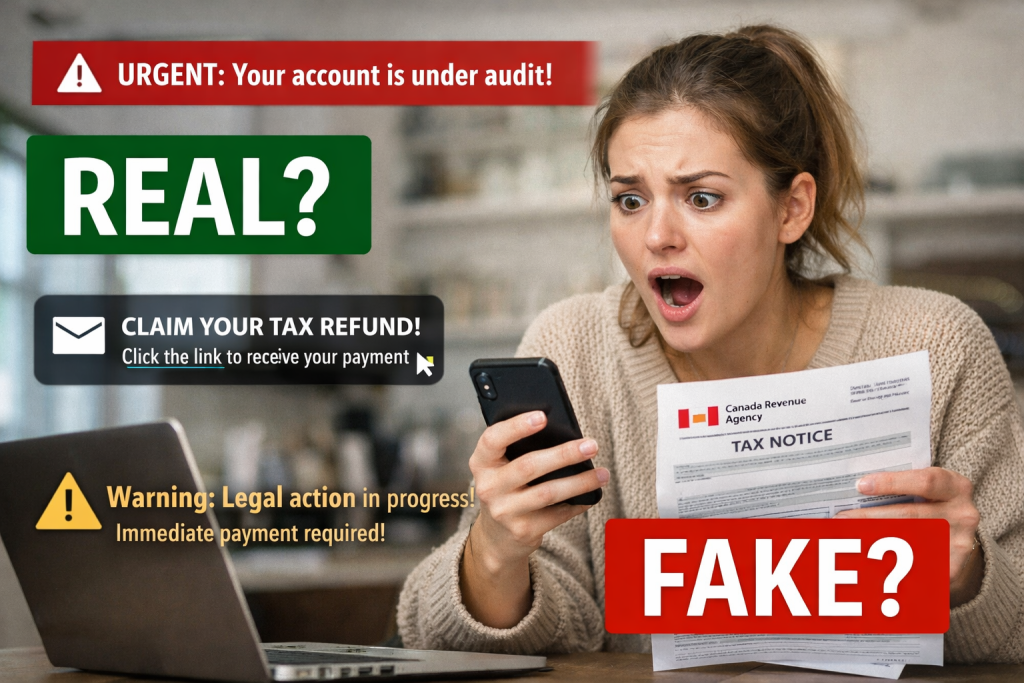
Signs of a fake website
Fake websites often use look-alike web addresses that have:
- Extra words (cra-login-canada.com, cra-account-notice.info, crareturnreview.cfd)
- Unusual endings for government web pages (.info, .su, .sfd, ,com)
- Extra characters or unusual abbreviations (crra, c-ra, carev, revagency)
Sometimes, scammers set up a fake website or web page with the characters in the web address slightly rearranged, hoping that you might not notice.
Official government websites
The official website for the CRA uses web addresses that either:
- Start in canada.ca or
- End in cra-arc.gc.ca
If it doesn’t, it could be a fake website pretending to be a CRA website
Official Government of Canada websites usually begin with canada.ca as the web address or end with .gc.ca, such as:
- canada.ca
- canada.ca/en/revenue-agency.html
- canada.ca/en/services/taxes.html
- cyber.gc.ca
- publicsafety.gc.ca
The “dot” before .ca or .gc.ca is important. Scammers have tried setting up fake websites using hyphens instead, such as “-gc-ca”.
Some exceptions are Canada national police service websites, crime reporting websites, and cyber security resource websites which have their own web address:
- rcmp.ca
- antifraudcentre.ca
- getcybersafe.ca
- reportcyberandfraud.canada.ca
- cybertip.ca
Thank you to the Government of Canada for sharing this information!
